

Download Bingo Star - Bingo Games – bingo, live bingo, bingo games, free bingo, online bingo, bingo tournament, bingo star
Overview
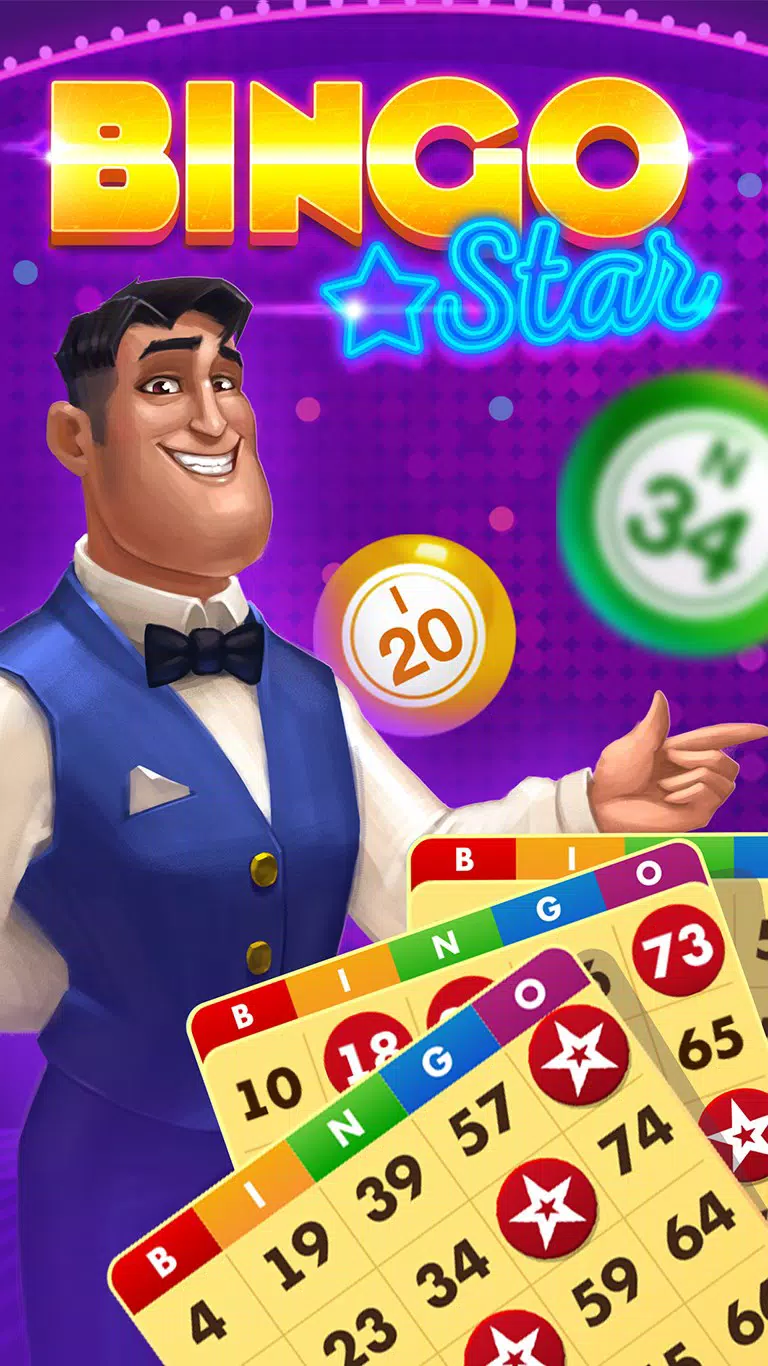
Bingo Star - Bingo Games is a mobile application designed to deliver an immersive and interactive live bingo experience for users seeking entertainment through digital social gaming. As a free-to-play title, it caters to individuals who enjoy casual yet competitive gameplay with real-time interactions. The app positions itself as a vibrant hub for live bingo tournaments, enabling players to engage in real-time number calling, compete against others globally, and aim for winning combinations across one to four cards. It serves as a digital recreation of traditional bingo, enhanced with modern features such as dynamic themes, daily rewards, and social connectivity.
Target users include casual gamers, social players, and bingo enthusiasts who appreciate structured gameplay with regular events and incentives. The app supports community-based interaction by integrating Facebook connectivity, allowing users to invite friends, share rewards, and engage in chat. This fosters a sense of belonging and ongoing engagement.
The developer, Playtika, is known for creating social gaming experiences, lending credibility to the app’s design and functionality. Real-world use cases include daily play sessions, participation in seasonal events, and joining multiplayer bingo bashes with friends. In the broader mobile app ecosystem, Bingo Star stands out as a dedicated live bingo platform that combines entertainment, competition, and social features, offering a unique alternative to standard puzzle or arcade games.
Key Features & Functionality
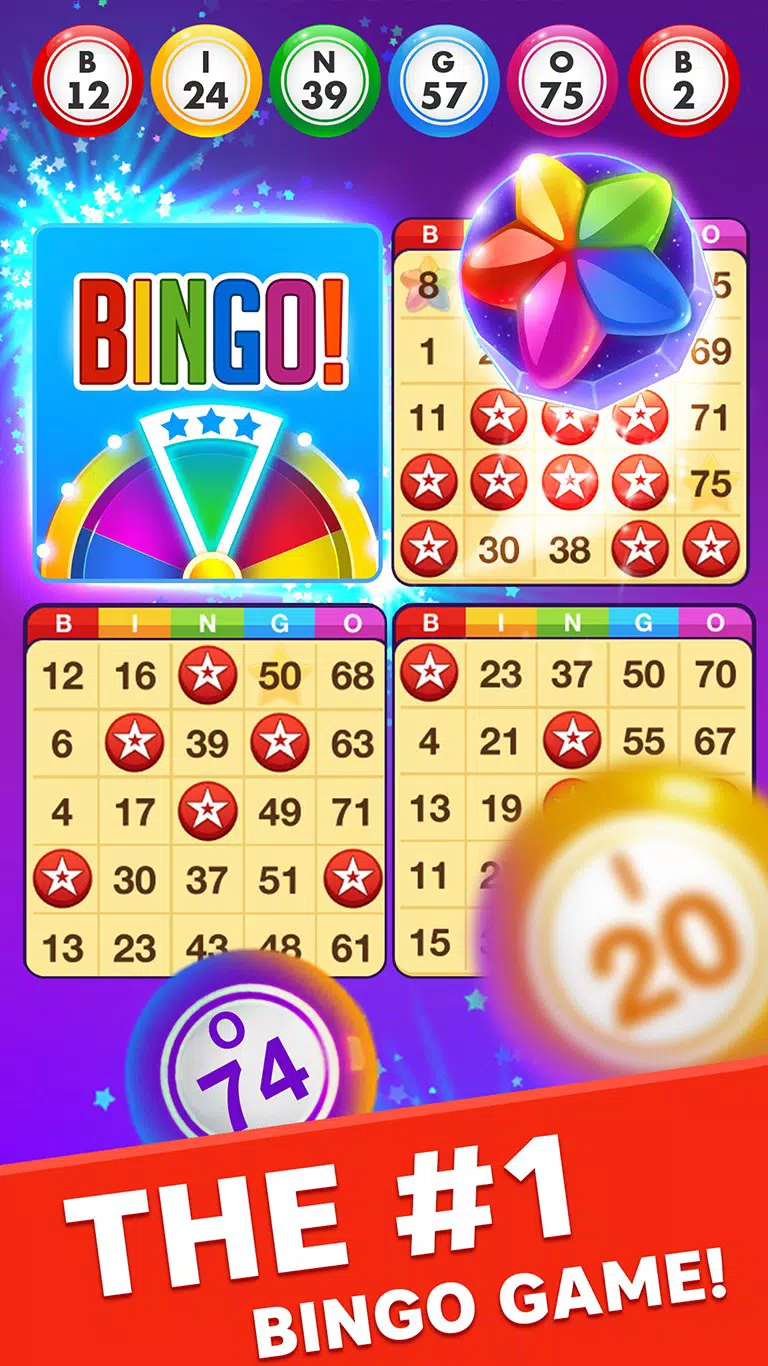
- Live Tournament Action: Players can join real-time bingo tournaments with the ability to play one to four cards simultaneously. As numbers are called in real time, users must mark them on their cards, striving to complete a line or full house to claim victory. This feature creates urgency and excitement, simulating the atmosphere of physical bingo halls.
- Bonus Collection & Quests: Hidden bonuses and special items are scattered across bingo cards and treasure chests. Completing in-game quests unlocks new locations and challenges, encouraging repeated engagement. Daily bonuses and free spins on the bonus wheel provide recurring incentives to return.
- Social Integration: The app enables users to connect with friends via Facebook, inviting them to join games, share rewards, and trade cards. This feature strengthens community ties and enhances the multiplayer experience.
- Daily Rewards & Events: A structured reward system offers free coins and in-game credits upon daily login. Seasonal and featured bingo rooms introduce time-limited challenges, increasing the variety and potential for larger prize wins.
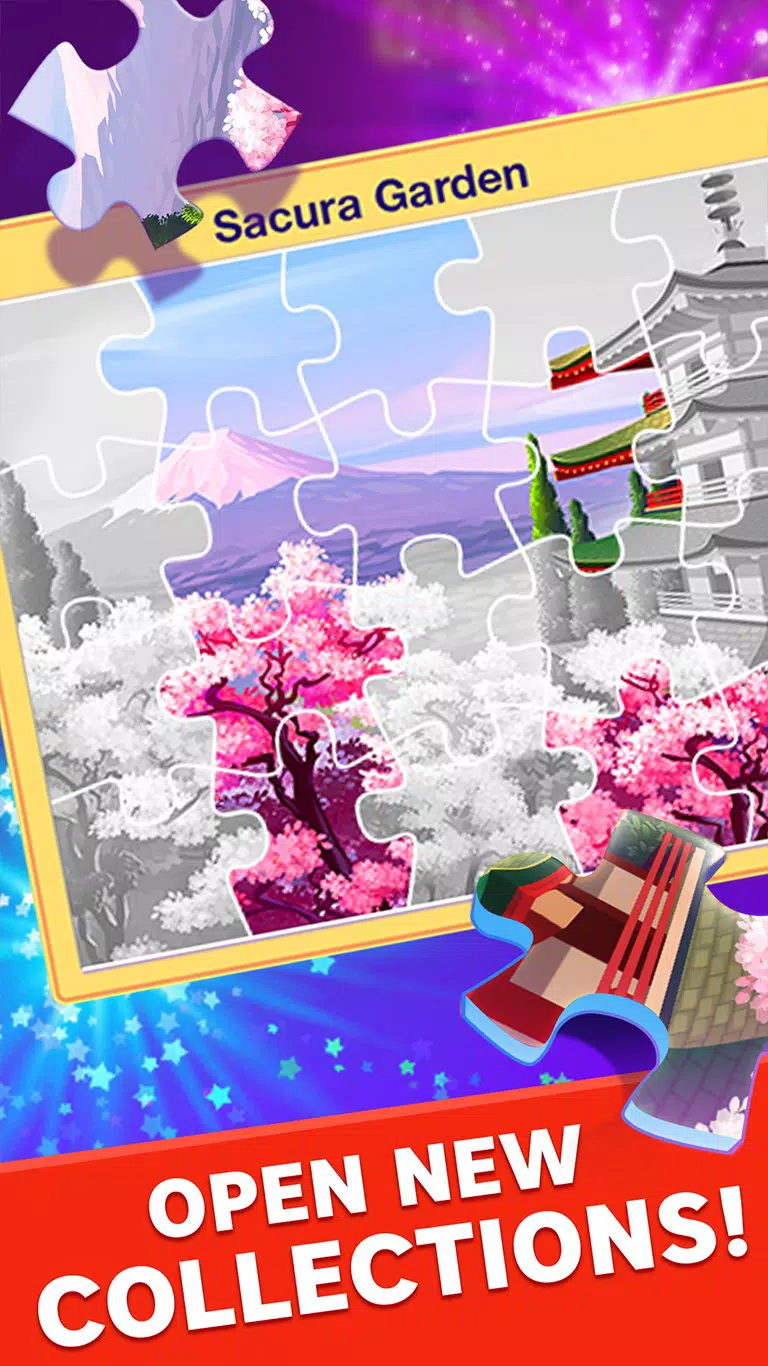
- Themed Game Environments: The app features diverse, visually engaging bingo rooms with unique themes and missions. These environments change over time, offering fresh experiences and keeping gameplay dynamic and visually stimulating.
These features collectively support a layered gameplay experience where strategy, luck, and social interaction intersect. For example, a player might join a seasonal event, complete a themed quest to unlock a new room, and earn bonus spins to increase their chances of winning. The combination of live action and structured progression ensures sustained user interest.
Interface, UX & Performance
The user interface of Bingo Star - Bingo Games is designed with accessibility and visual clarity in mind. The layout emphasizes intuitive navigation, allowing users to easily switch between game modes, access their inventory, view rewards, and manage social connections. Visual elements such as vibrant graphics, animated transitions, and thematic room designs contribute to an engaging and immersive experience. The app maintains a consistent aesthetic across different game screens, promoting familiarity and reducing cognitive load.
Navigation flows logically from the main menu to game selection, tournament participation, and social features. The responsiveness of the interface is well-suited for touch-based interaction, with buttons and controls sized appropriately for mobile use. Although the developer did not list formal performance metrics, the app appears optimized for smooth gameplay across a range of device categories. Stability during live events and consistent performance during number calls suggest reliable backend support. The app also handles transitions between themed rooms and reward screens without noticeable lag, indicating efficient resource management.
Platform Compatibility & Technical Requirements
Bingo Star - Bingo Games is available on both Android and iOS platforms, making it accessible to a wide audience of smartphone users. The current version is 1.41.0, with a file size of 86M, indicating a lightweight installation that does not impose significant storage demands. The app is free to download and use, with no upfront cost to access core features. While specific OS version requirements were not listed, the app’s availability on both major mobile operating systems suggests compatibility with current and recent device models. The developer did not specify minimum OS requirements or hardware specifications, so users are advised to ensure their devices meet general system standards for running modern mobile games.
Pros and Cons
Pros
- Free to download and play with no hidden costs
- Real-time live bingo tournaments enhance engagement and excitement
- Regular daily rewards and bonus spins keep users returning
- Strong social integration with Facebook for friend connectivity
- Visually appealing themed game rooms with dynamic content
Cons
- Specific system requirements were not disclosed
- Some features may require consistent play to unlock fully
- Reliance on internet connectivity for live gameplay
- Limited information on in-app purchase options
- Compatibility details for older devices were not provided
FAQ
Is Bingo Star - Bingo Games safe to download?
Yes, the app is developed by Playtika, a reputable company in the mobile gaming space. It is available through official app stores, ensuring a secure download process.
Can I play Bingo Star without an internet connection?
Live features such as real-time tournaments require an active internet connection. However, some offline gameplay elements like viewing rewards or managing inventory may be accessible without connectivity.
Are there in-app purchases in Bingo Star - Bingo Games?
The app is free to play, and while the developer did not specify details about in-app purchases, such options are common in similar free-to-play games and may be available for enhanced features or faster progression.
How often are new bingo rooms and events added?
New themed rooms and seasonal events are introduced periodically, though the exact frequency was not disclosed by the developer.
Is Bingo Star compatible with older Android or iOS devices?
Specific compatibility details for older devices were not provided. Users are advised to check their device’s operating system version and available storage before installation.
Final Thoughts
Bingo Star - Bingo Games delivers a polished and engaging live bingo experience tailored for social and casual gamers. With its blend of real-time tournaments, daily rewards, and community-driven gameplay, it stands out as a compelling choice in the mobile bingo genre. The app’s vibrant design, intuitive interface, and consistent updates ensure a fresh and enjoyable experience with every session.
Whether you're looking to unwind with a quick game or compete in high-stakes live events, this app offers value through accessibility and entertainment. For players who enjoy live multiplayer games with a social twist, Bingo Star provides a rewarding and immersive platform. Download Bingo Star now.


